Ultimate Player4.1.1
Publisher Description
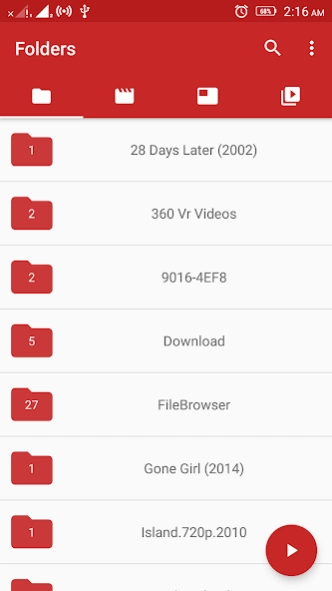


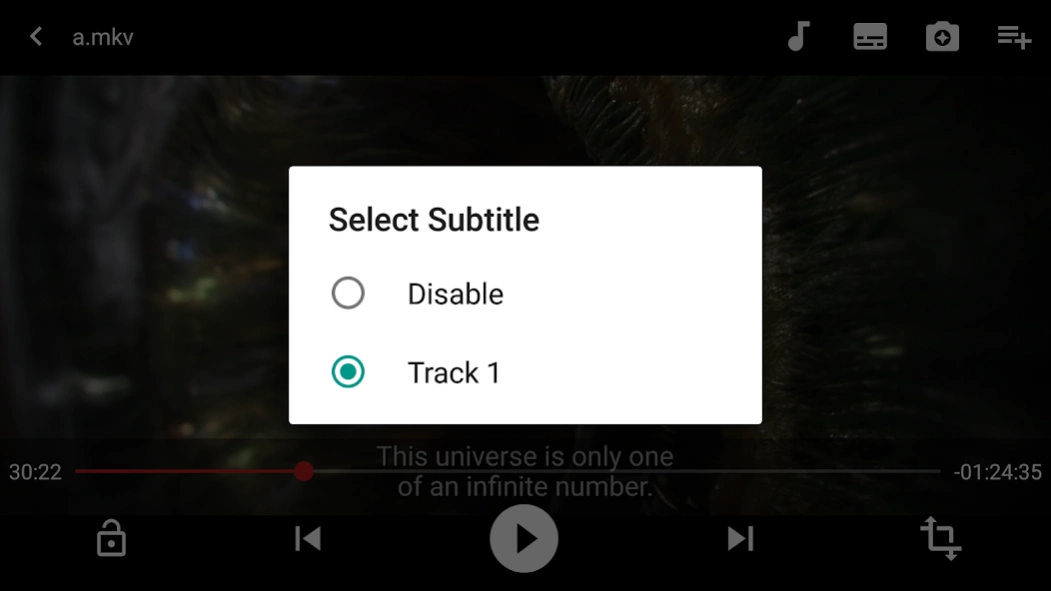
Play ALL Video Format, 4K and Full HD video support with AC3 & DTS Audio Support
Ultimate Player is a video player that supports almost ALL video formats, 4K and Full HD video files. It is one of the best HD video player for android devices. It also provides an easy to use navigation feature for quick access of movies, videos and clips(<5 min).
KEY FEATURES:
- Support all video formats, including MKV, MP4, M4V, AVI, MOV, 3GP, FLV, WMVetc.
- 4K and Full HD Video Support.
- Support all subtitle formats
- Multiple Audio Support
- Search video quickly and easily.
- Easy to control volume, brightness and playing progress.
- Multiple options: auto-rotation, aspect-ratio, screen-lock etc.
- Resume last played video
- Dark Theme
About Ultimate Player
The company that develops Ultimate Player is Dushyant Mainwal. The latest version released by its developer is 4.1.1.
To install Ultimate Player on your Android device, just click the green Continue To App button above to start the installation process. The app is listed on our website since 2026-09-16 and was downloaded 15 times. We have already checked if the download link is safe, however for your own protection we recommend that you scan the downloaded app with your antivirus. Your antivirus may detect the Ultimate Player as malware as malware if the download link to com.ultimateplayer is broken.
How to install Ultimate Player on your Android device:
- Click on the Continue To App button on our website. This will redirect you to Google Play.
- Once the Ultimate Player is shown in the Google Play listing of your Android device, you can start its download and installation. Tap on the Install button located below the search bar and to the right of the app icon.
- A pop-up window with the permissions required by Ultimate Player will be shown. Click on Accept to continue the process.
- Ultimate Player will be downloaded onto your device, displaying a progress. Once the download completes, the installation will start and you'll get a notification after the installation is finished.
Program Details
System requirements
Download information
Pricing
Version History
version 4.1.1
posted on 2026-09-16
• Playback Speed Control: Custom speeds from 0.5x to 2.0x.
• Quick Seek: Double-tap left/right to jump 10s backward/forward.
• Video Loop: Added Repeat / Loop playback toggle.
• Upgraded Playback Engine: with wider format & codec support on Android 15 & 16.
• Display & Toolbar Fix
• Smooth brightness gesture control without system permission popups.
• General bug fixes and performance improvements.
version 1.3.0
posted on 2018-09-12
Bug Fixes
More Video Support Added
